
"What this means?"
On macOS Tahoe, open any cleaned link in History for a plain-language breakdown of what each parameter actually did — identity, location, ad attribution. Runs on Apple's on-device models; nothing leaves your Mac.
Unfurl is built around one job — getting the tracking off your links — and it does that two ways: the moment you copy on Mac, and as pages load in Safari on Mac, iPhone, and iPad. Here's everything it does, in order of how often you'll notice.
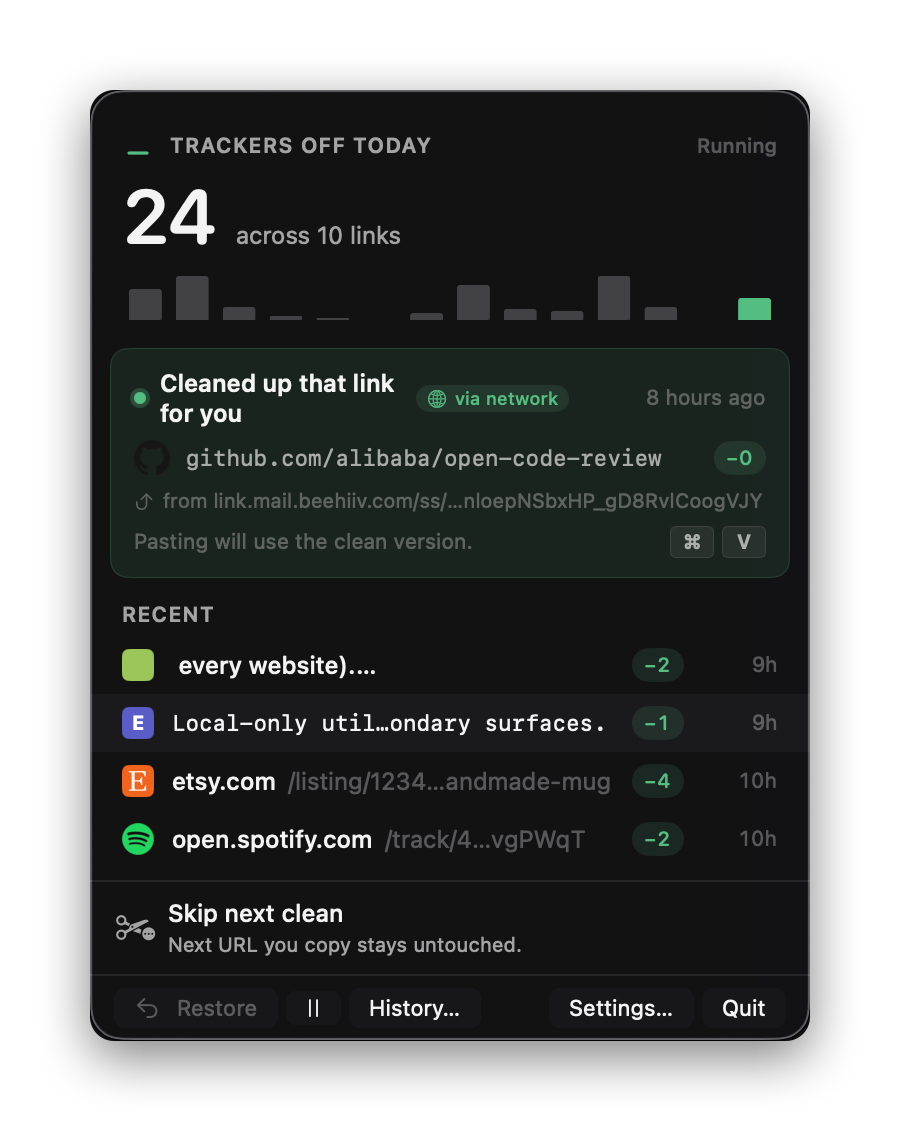
Click the mark in the menu bar to see what Unfurl has been up to today. The hero number is what got pulled off your URLs; the notice shows the last clean, with a tap-to-restore handle if you actually wanted the dirty version.
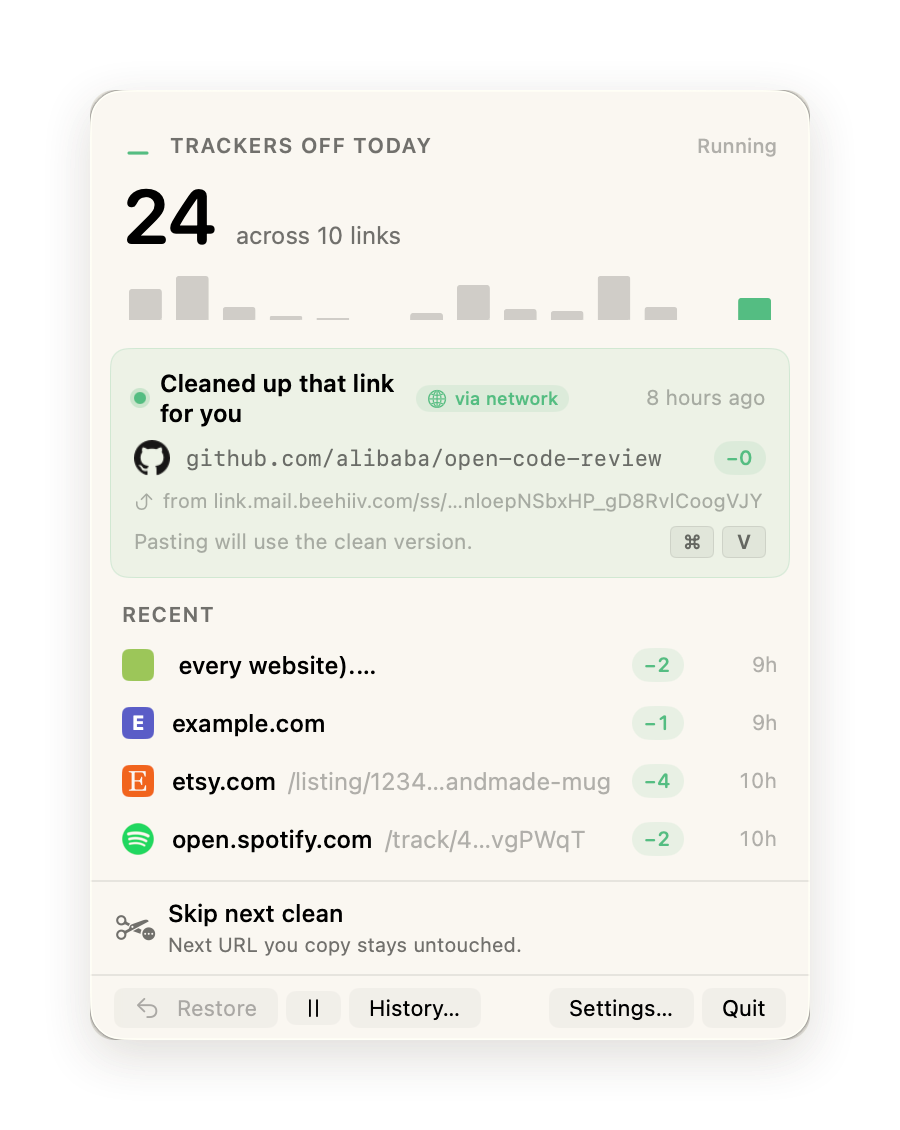
Unfurl listens to macOS' pasteboard. The moment you copy a URL, it's matched against the rule library, parameters are stripped, redirects unwrapped, and the cleaner version replaces the original — before you ever hit the paste field.
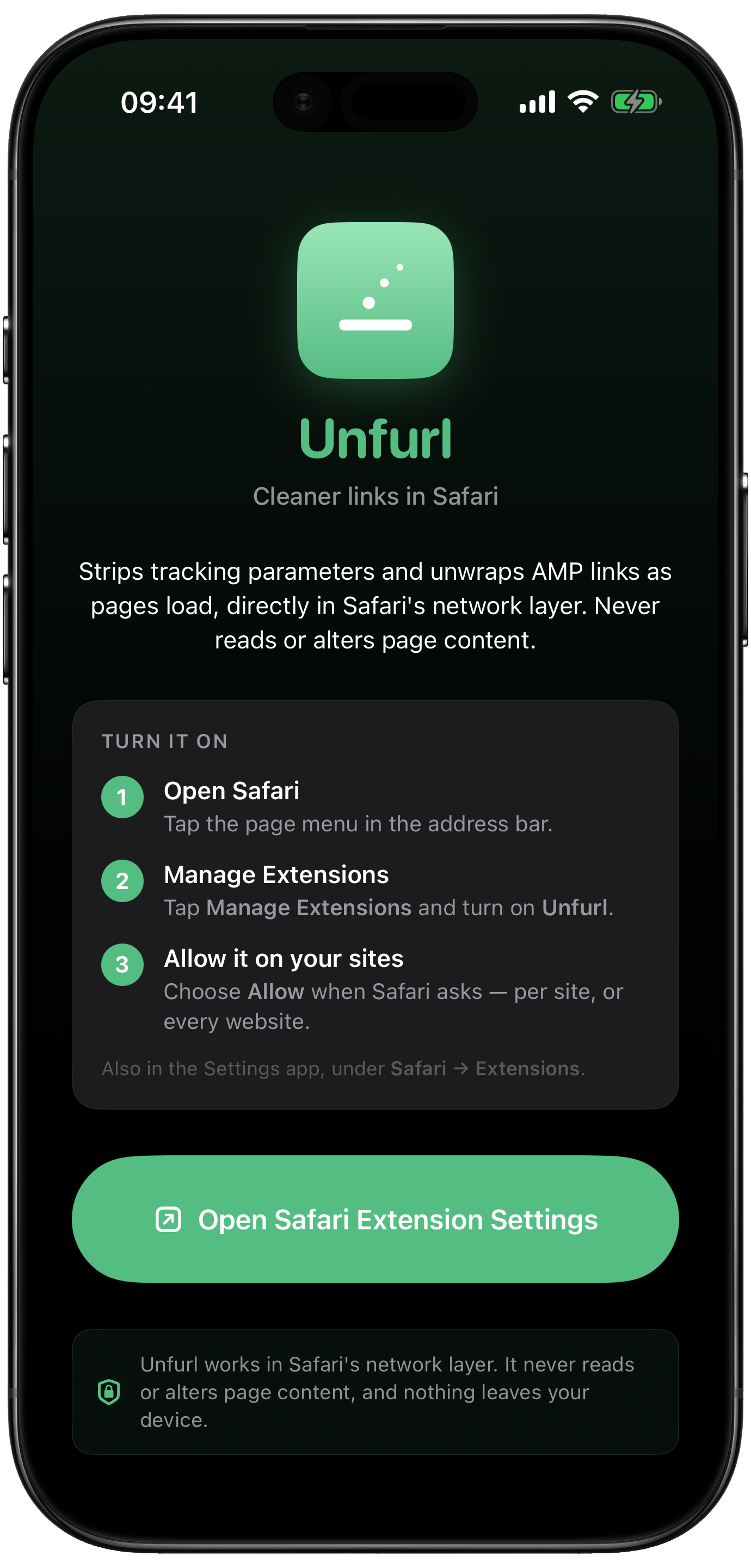
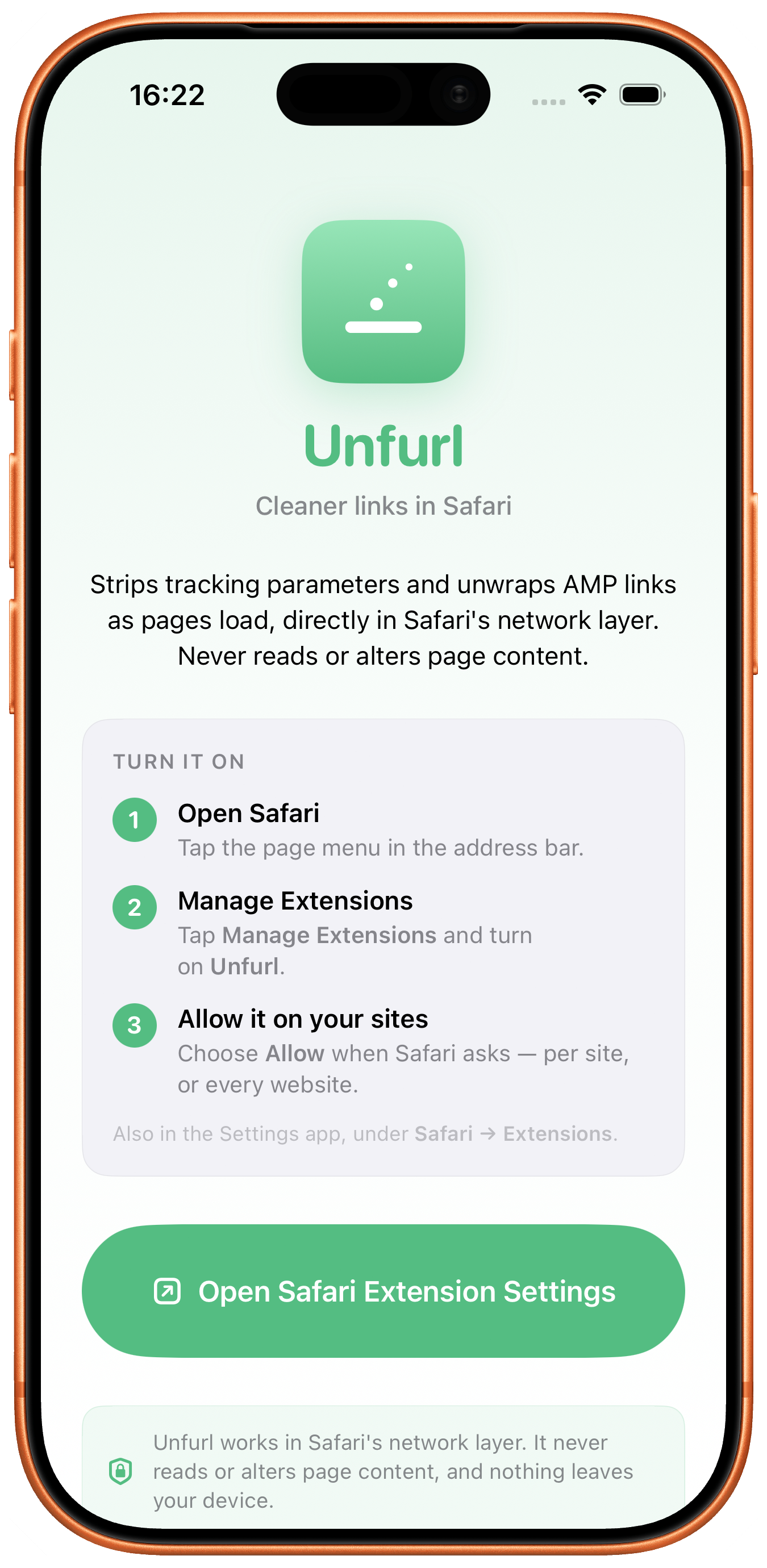
Turn on the “Unfurl for Safari” extension and it strips tracking parameters and unwraps AMP links right in the network layer — before the page loads. It works on links you click, not just ones you copy, and it never reads or alters page content. The same engine runs on the Mac and on iPhone and iPad.
Unfurl stops what it can't strip. A second, separate Safari extension keeps cookie-consent banners off the page before they render — through Apple's own content-blocker mechanism, so no script ever runs on the page and nothing you read is read back. The site never gets an answer, which usually means no optional cookies at all.
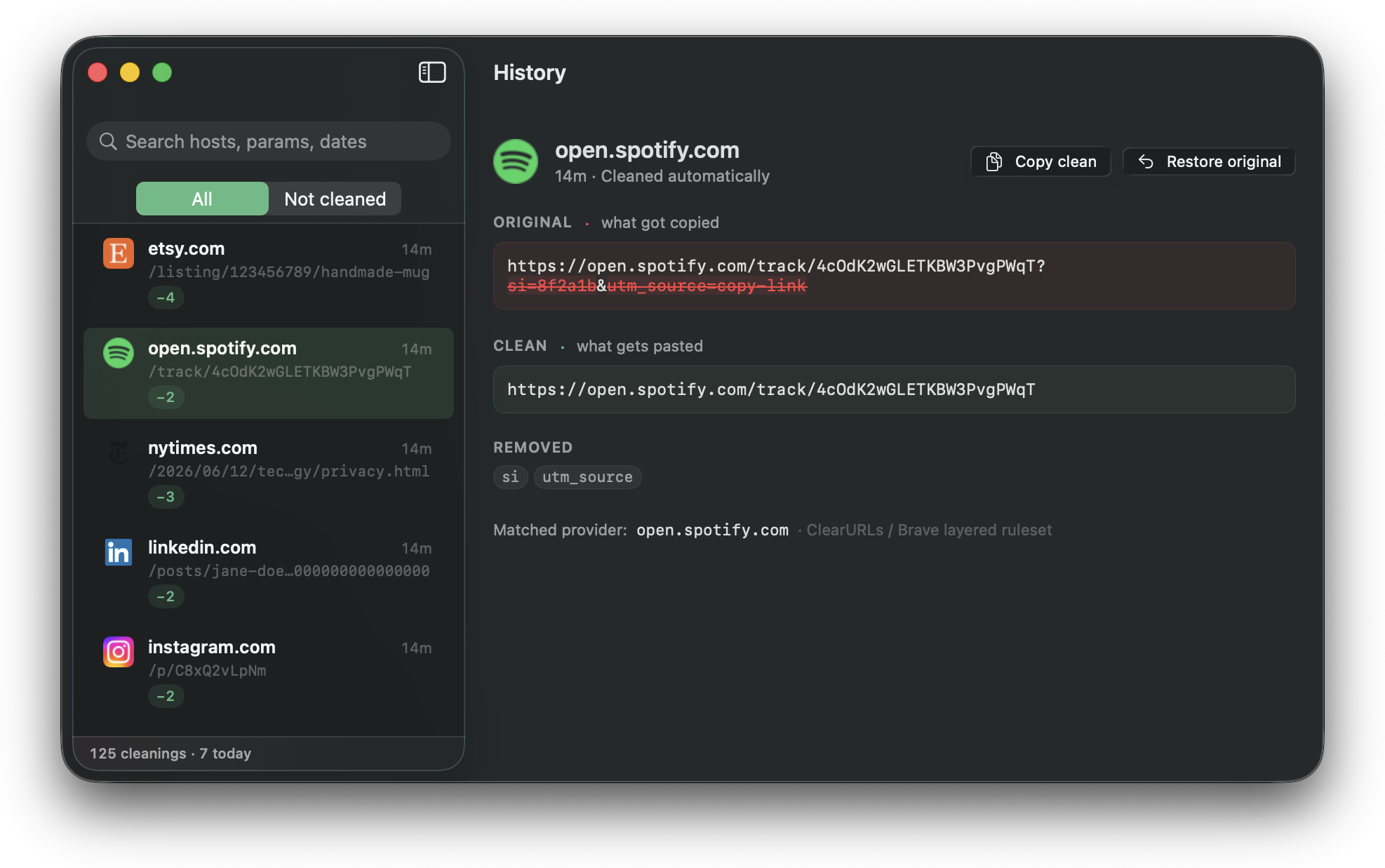
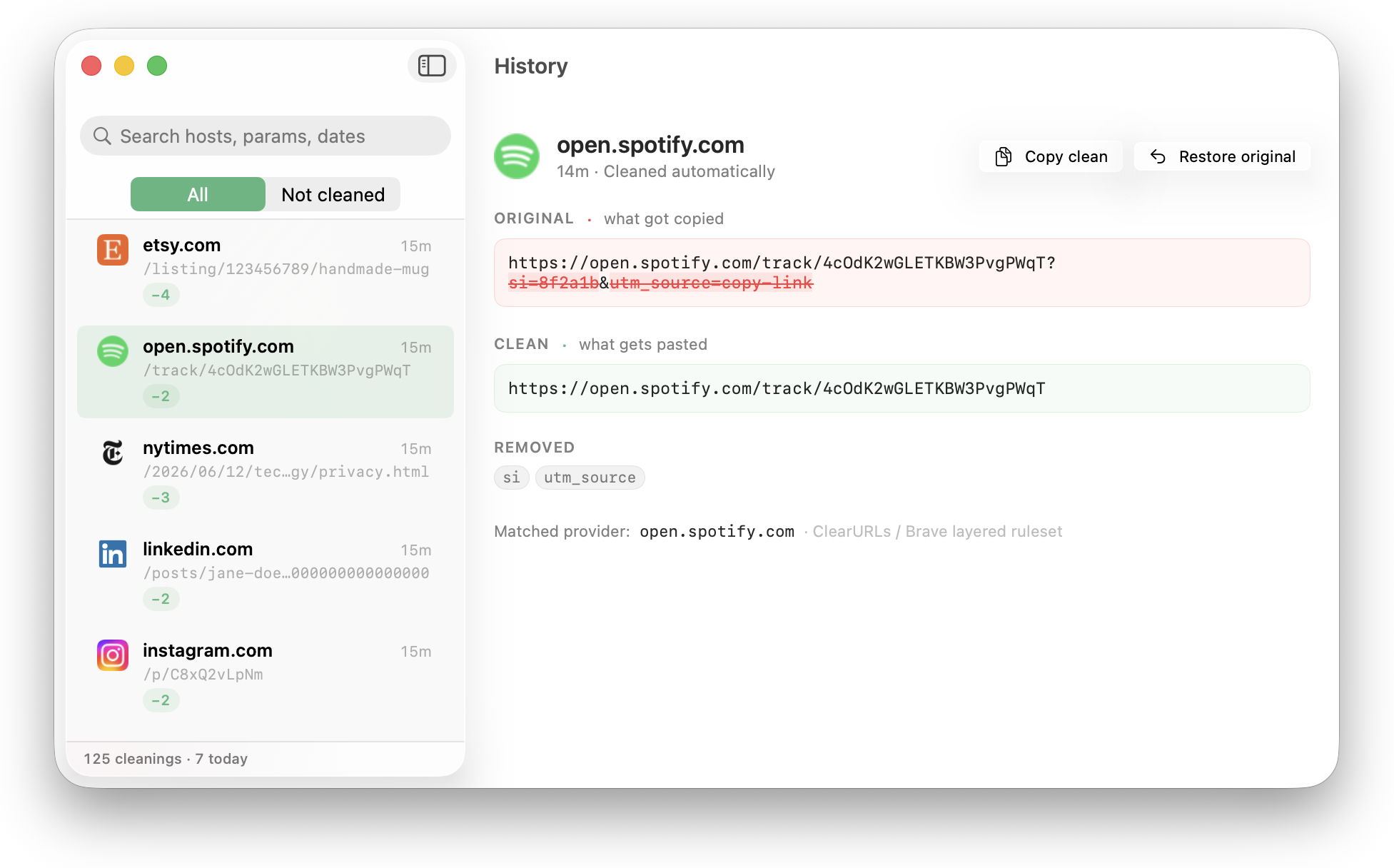
A separate window with the full original-vs-clean diff for every cleaning — saved the moment it happens, still there after quits and reboots. Search by host or parameter, pick an entry, see exactly what was stripped. Restore the dirty original in one click if you really meant to keep it.
Unfurl tries not to interrupt. You don't get a notification every time it does its job — only when something is worth knowing: an unusually heavy cleaning, a link that's pure tracking, a redirect it can't safely follow.
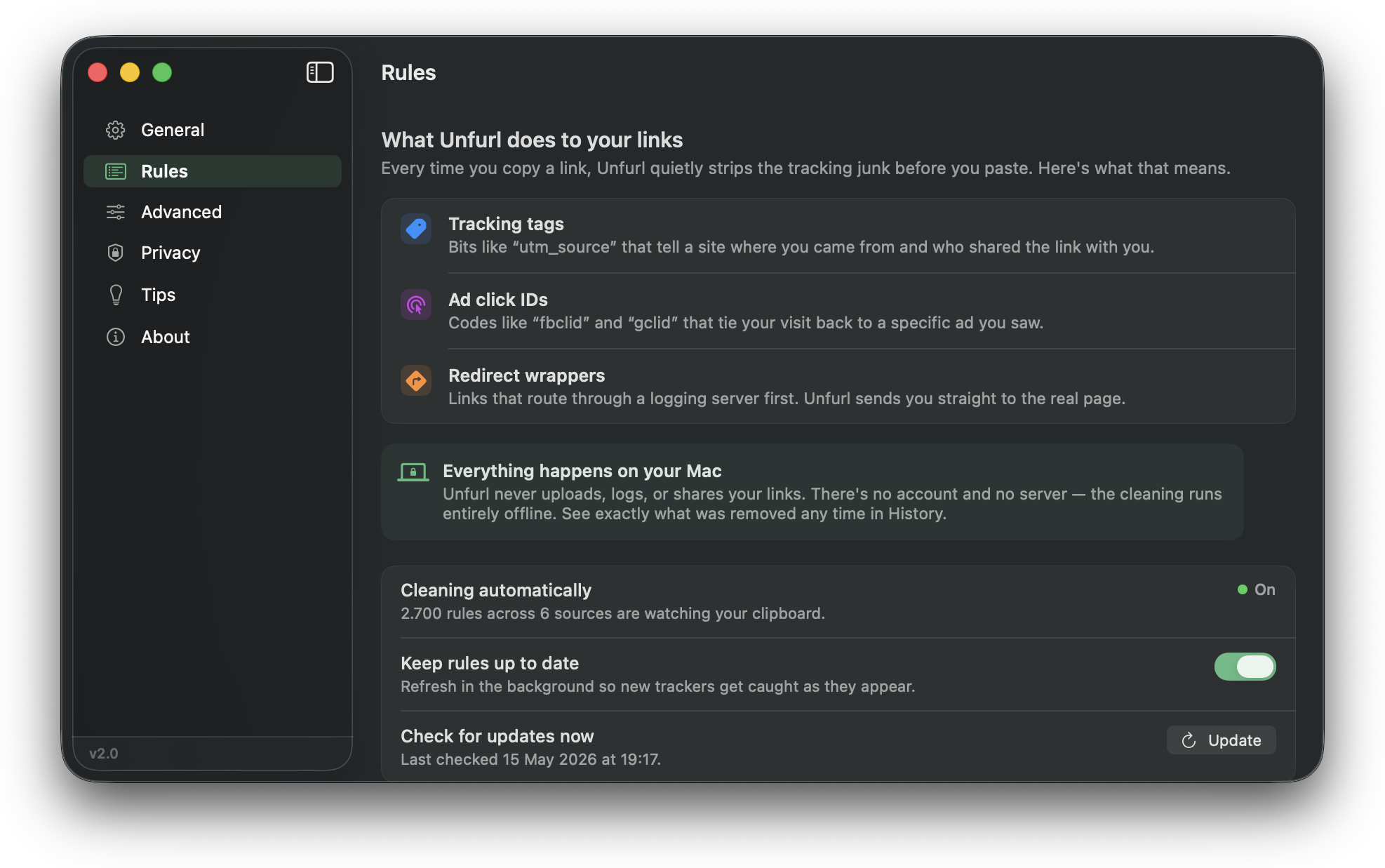
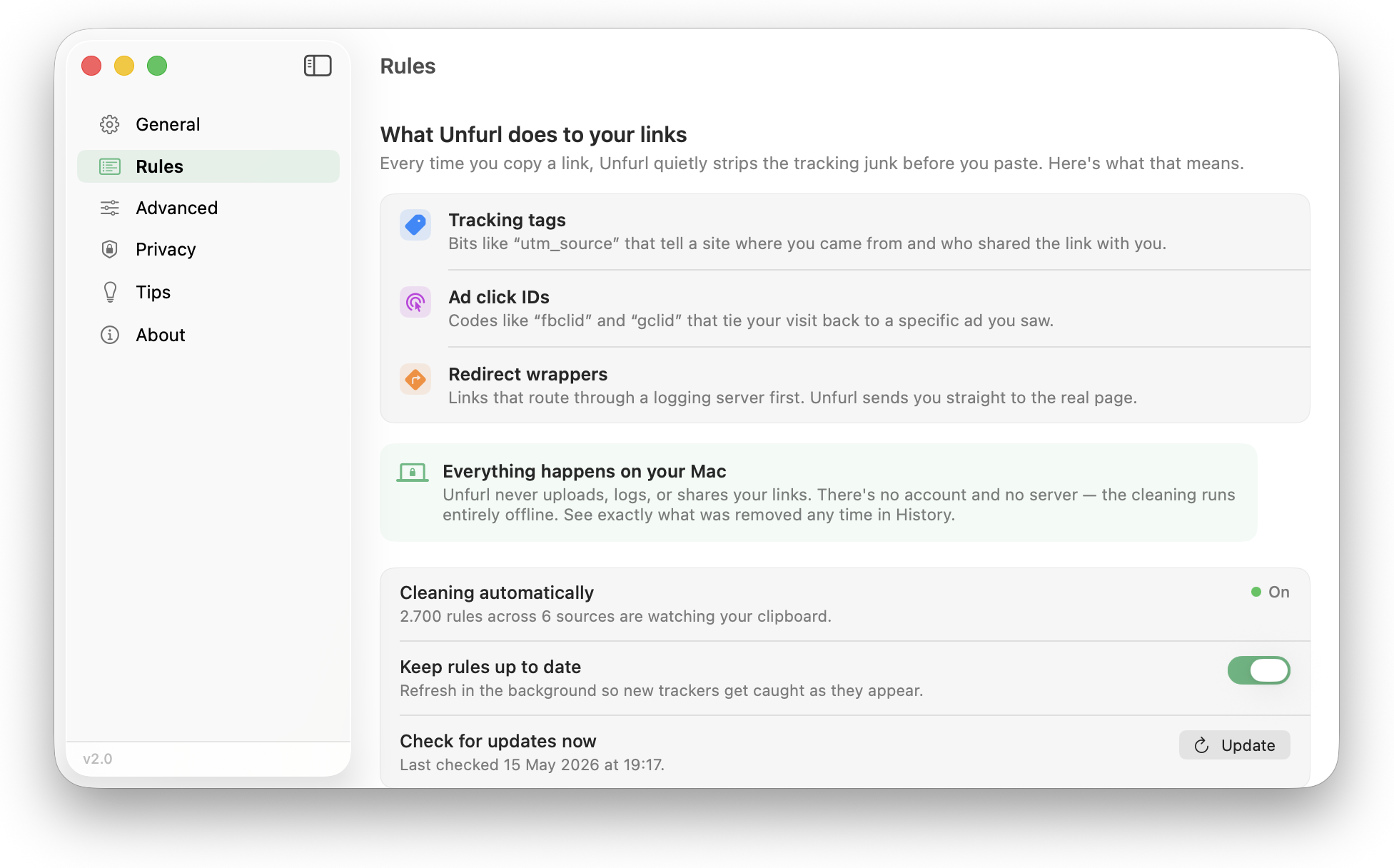
Unfurl's cleaning is built on community-maintained lists — ClearURLs, Brave, and AdGuard URL Tracking — plus a few additions of its own. Thousands of providers, every rule plainly listed so you can audit exactly what's running.
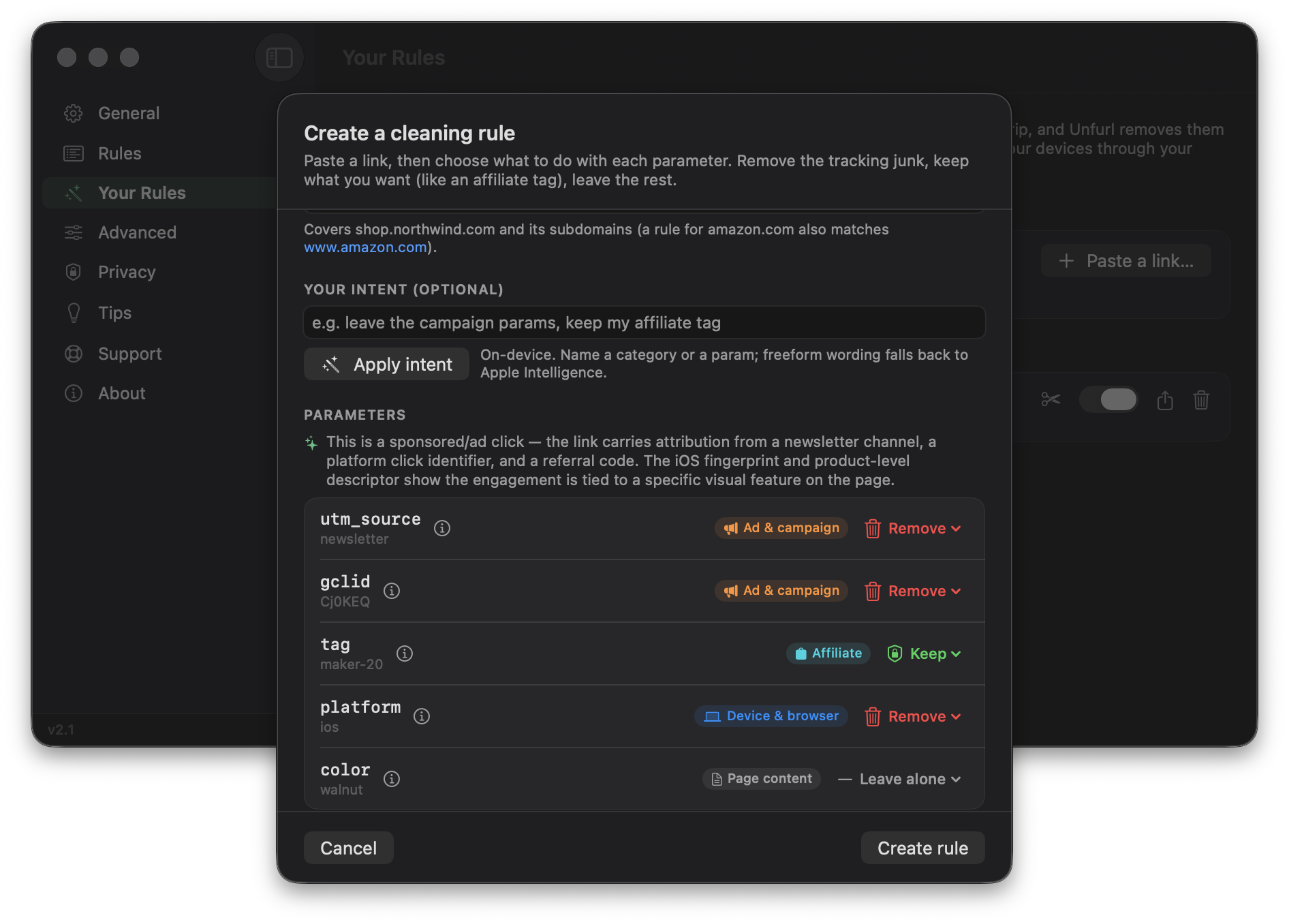
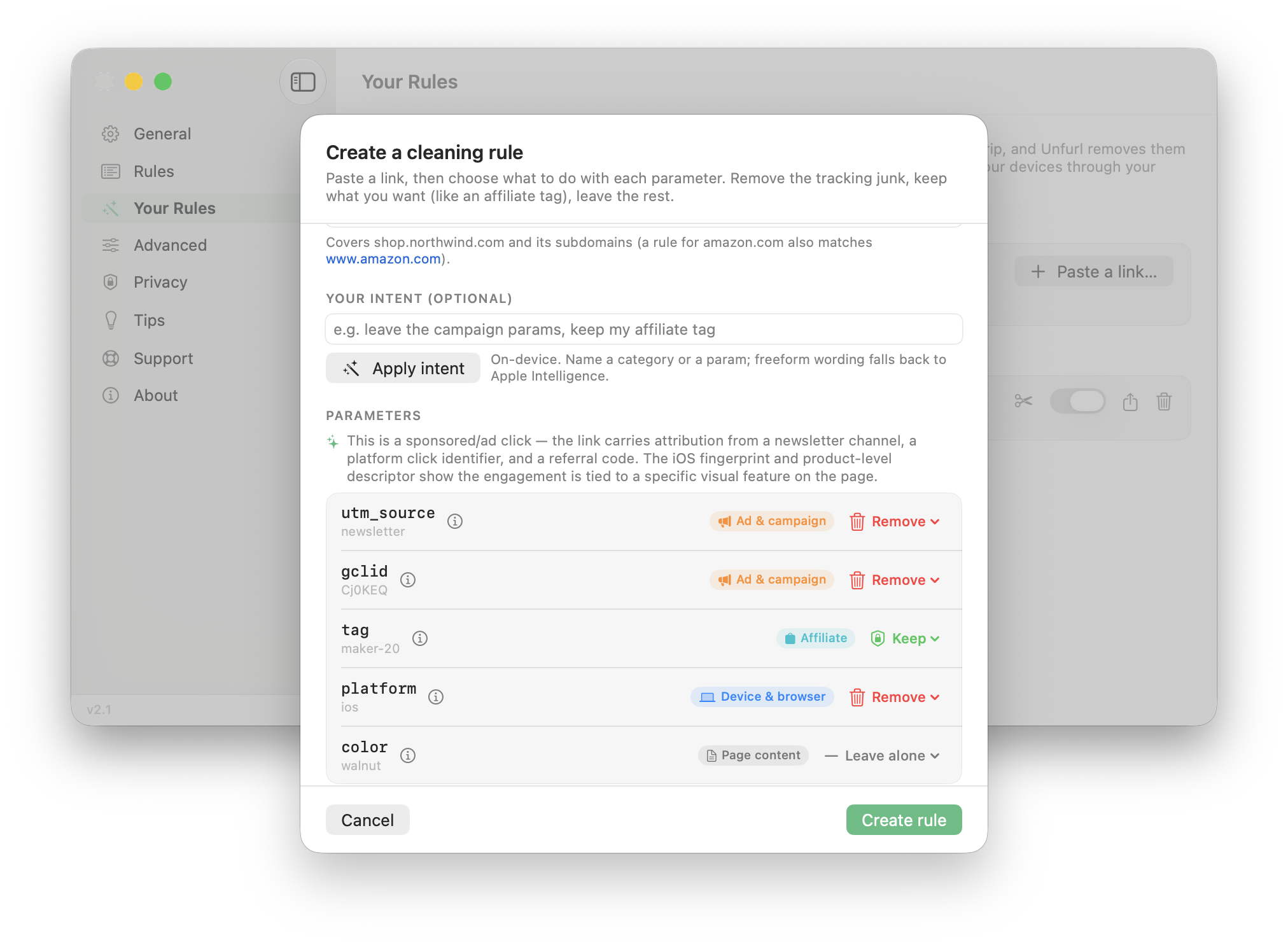
Make your own per-site rules. Unfurl lists every parameter in a link, and on Apple-Intelligence Macs it reads each one — a campaign tag, an affiliate code, something the page actually needs — right on your device. You decide what to remove, keep, or leave alone.
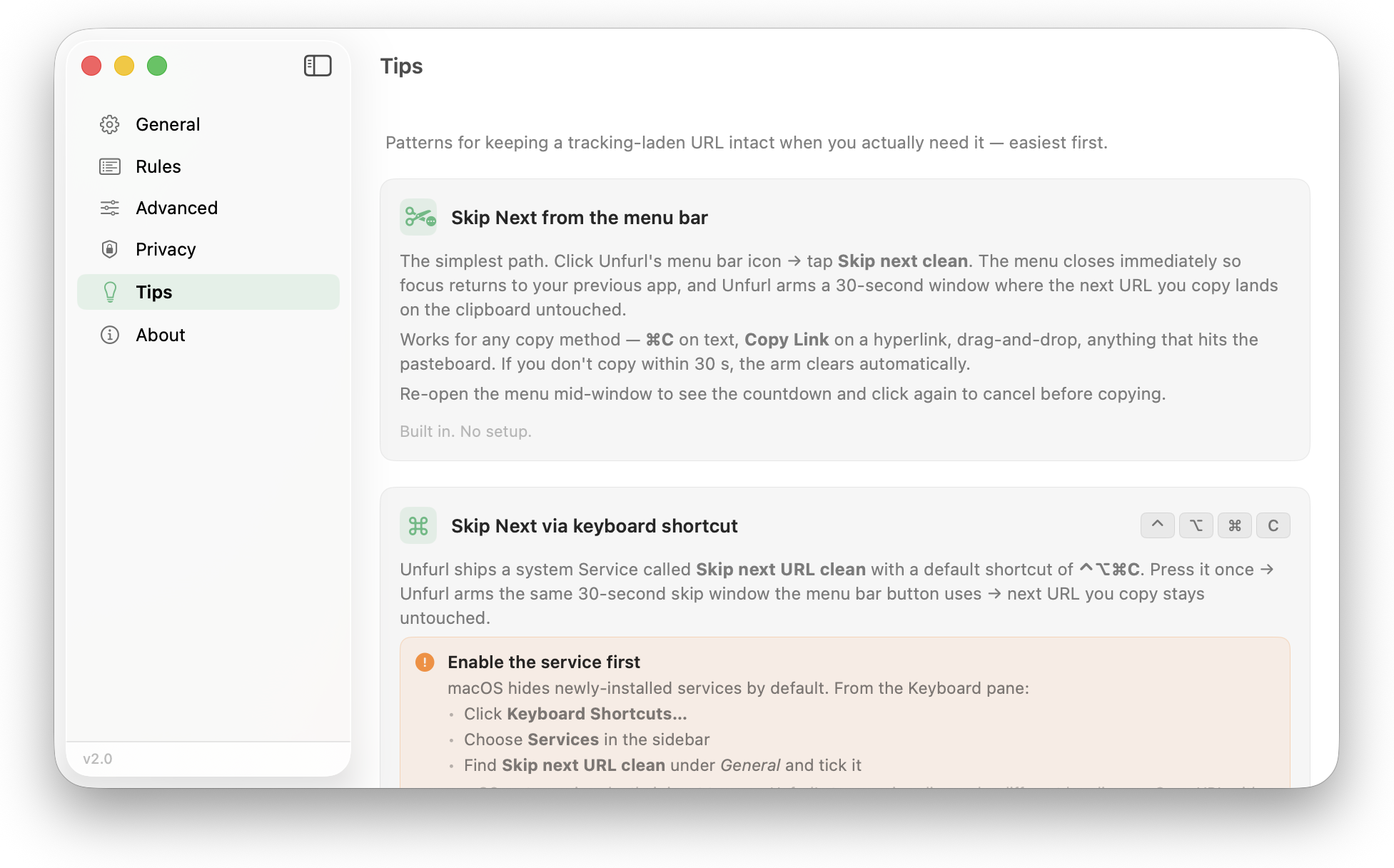
Affiliate links. Marketing receipts. That one Notion doc with a token in the query string. Unfurl gets out of your way without you having to quit it.
On macOS Tahoe, open any cleaned link in History for a plain-language breakdown of what each parameter actually did — identity, location, ad attribution. Runs on Apple's on-device models; nothing leaves your Mac.
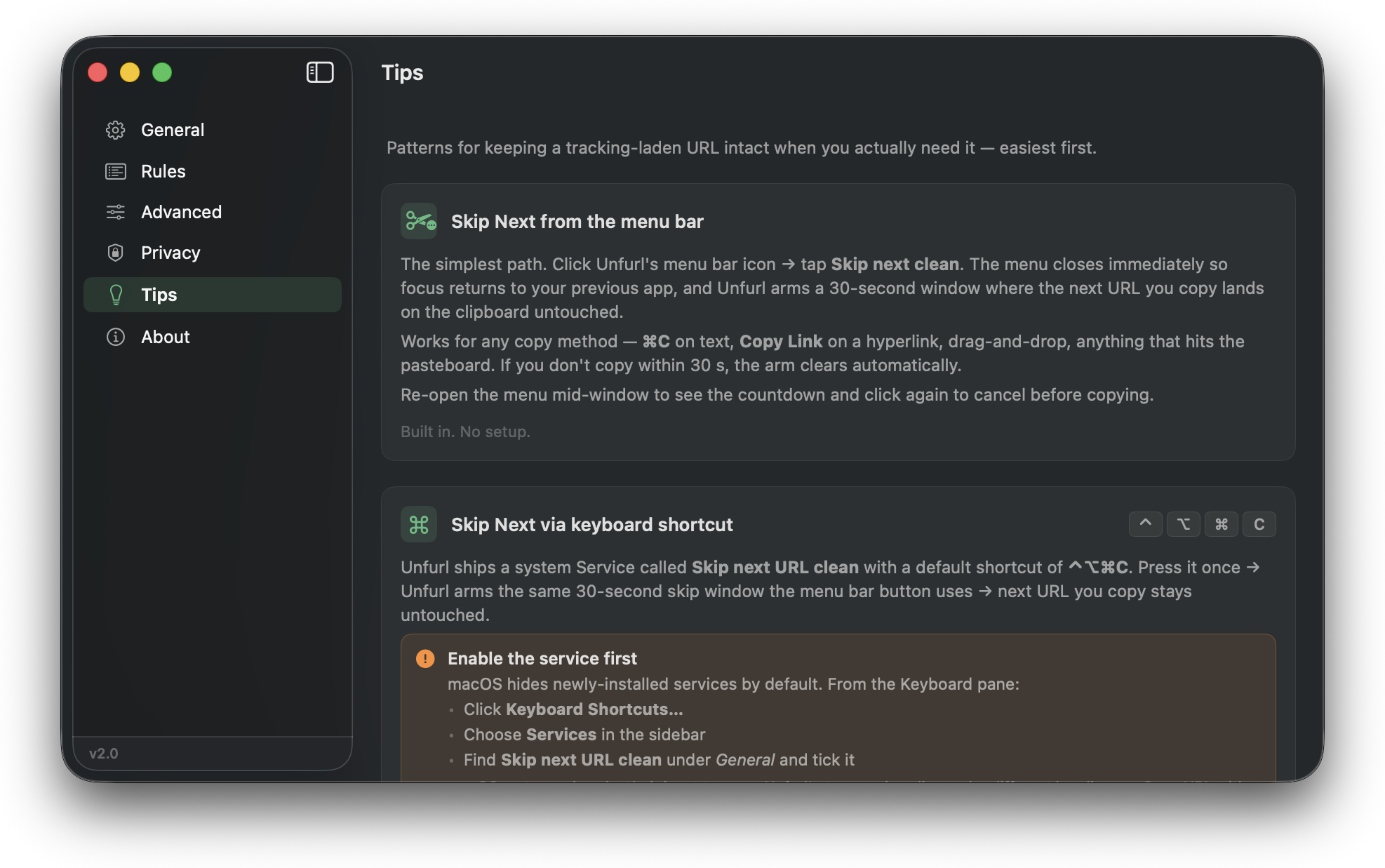
bit.ly, t.co, SendGrid wrappers only resolve server-side. Unfurl can follow them and clean where they land — off by default, Manual or Auto, with an optional Tor/Mullvad proxy. Mac only.
The big number on the dropdown is just today. Weekly and lifetime totals live in Settings → Stats.
The cookie-banner blocker is its own entry in Safari → Settings → Extensions. It asks for no website access — Safari runs its rules itself — and a bad rule can never break a page, only fail to hide a banner.
Vibrancy-aware translucency in both modes; follows your system appearance by default.
Pulls small site icons so history rows are scannable. Off by default — like every network call Unfurl can make.
One tick. Uses Apple's ServiceManagement API — no LaunchAgent files lying around.
Seven-day, thirty-day, and all-time. Optional — flip it off if numbers stress you out.
Four actions — Clean URL, Restore Original, Pause, Resume — each with a Siri phrase. They run without opening the app.
Plays nice with Maccy, Raycast, Paste, Pastel — Unfurl modifies the system pasteboard so every clipboard manager benefits.
Native on Apple silicon. Runs fine on Intel. Native frameworks — no Electron, no helper apps.
App Sandbox, hardened runtime, reviewed by Apple for the Mac App Store. The only entitlement it asks for is pasteboard access.
Unfurl stops what it can't strip.
Cleaning Safari silently since day one. Now you can see it.
Now you make the rules.
Two ways to clean — now on iPhone and iPad.
?ref=&utm_source=) now come out fully clean; the menu-bar activity chart is accurate across restarts.History that survives the reboot. Support that reaches back to Sonoma.
The first public release.
One purchase, every device. On the Mac App Store and the App Store — macOS 14 Sonoma or iOS 17.2, and later.