
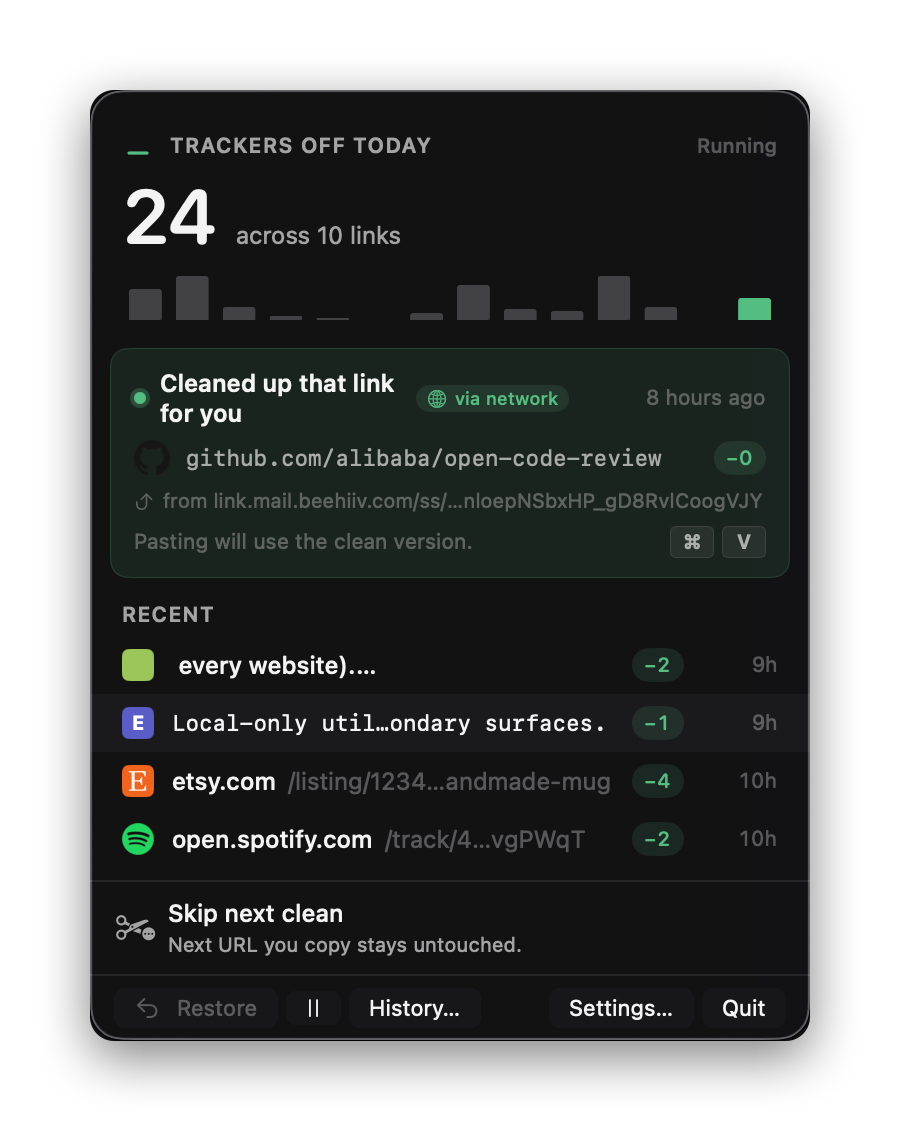
Lives in the menu bar
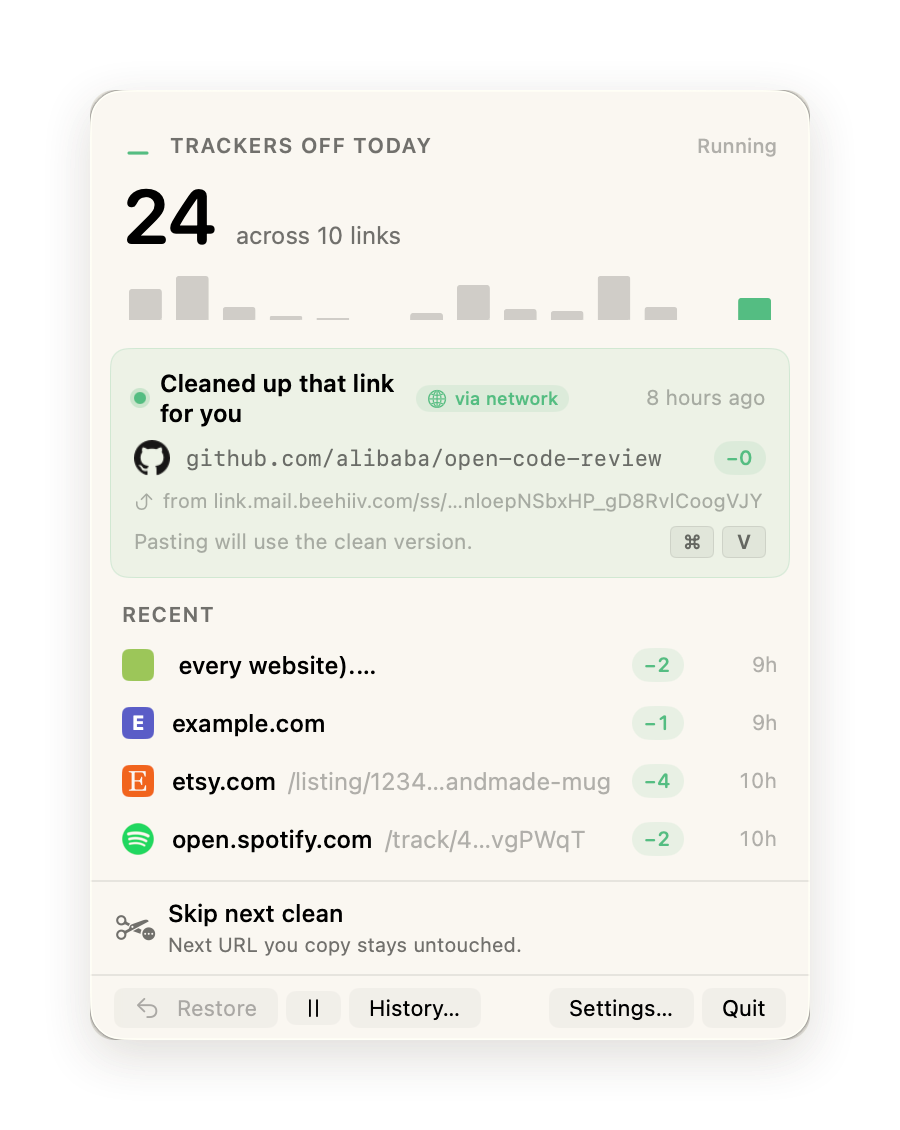
A small mark in the corner of your screen tells you when it's running and how many trackers it's caught today.
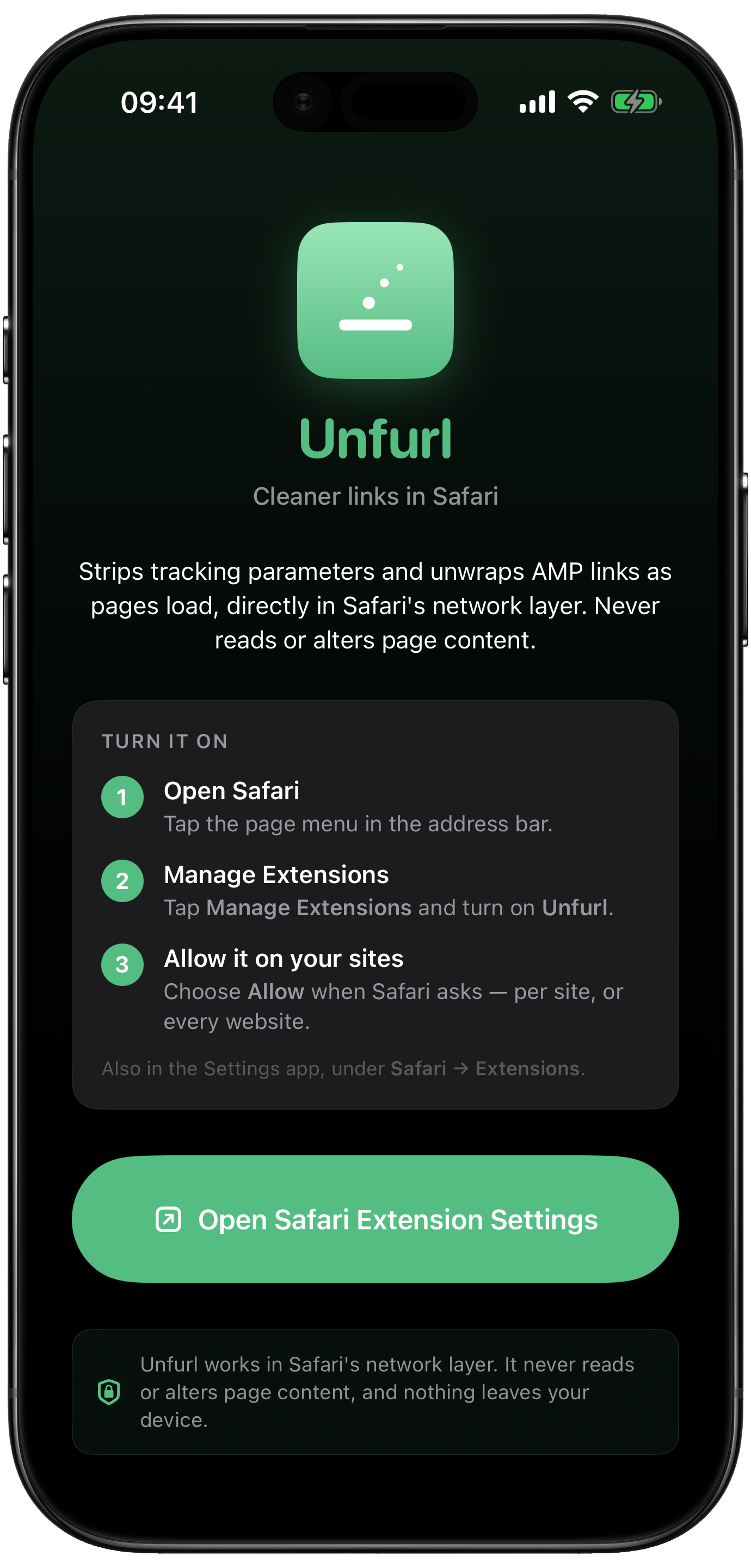
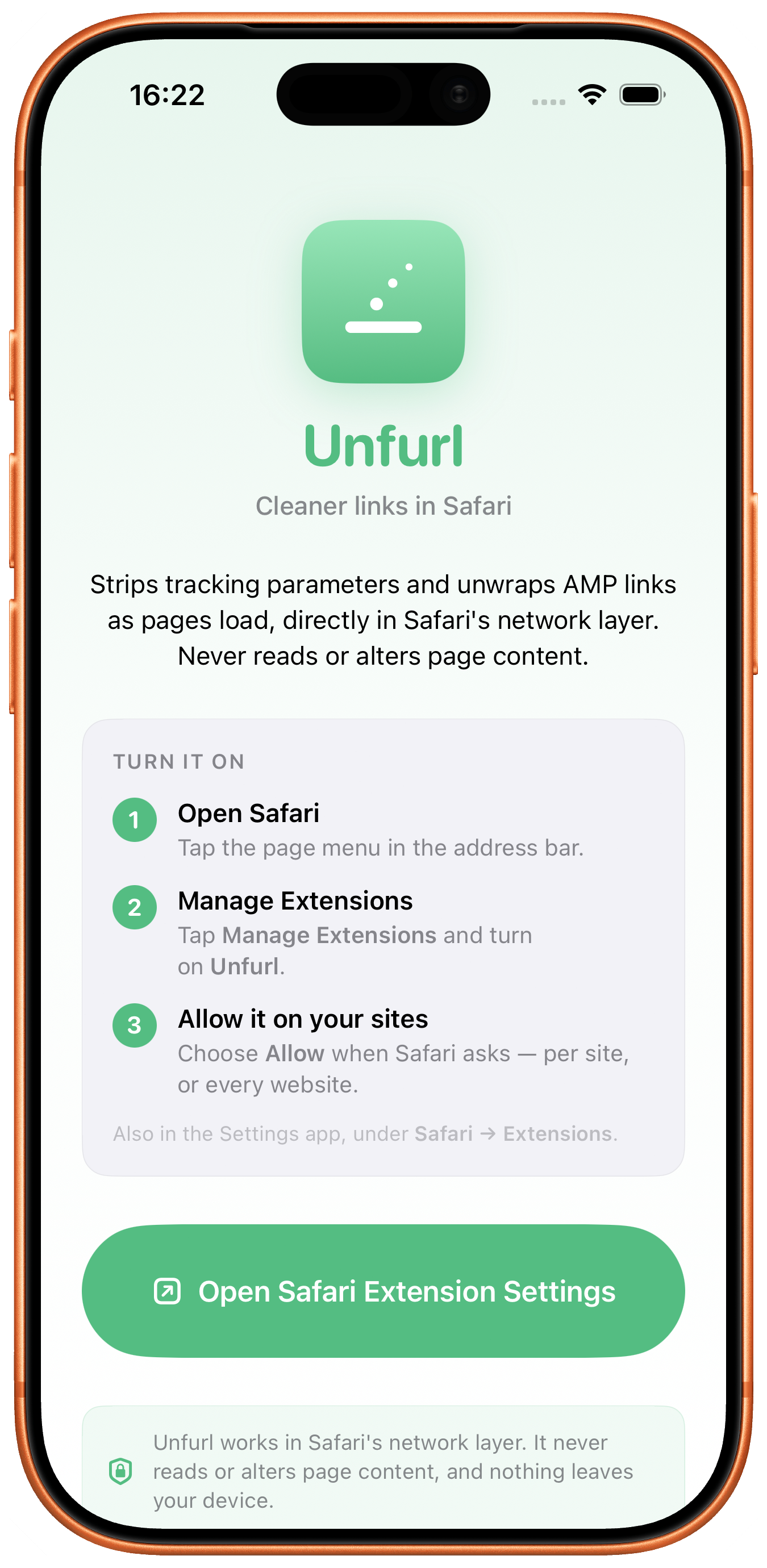
Unfurl strips tracking parameters out of your links automatically — the moment you copy on Mac, and as pages load in Safari on Mac, iPhone, and iPad. Now it keeps cookie-consent banners off the page, too. No tabs to open, no buttons to press, no servers to call.
The page you wanted, with none of the bookkeeping. Unfurl rewrites the clipboard in the moment between and — invisibly.
On the Mac, Unfurl runs in the menu bar and watches the pasteboard. There's nothing to launch, no buttons to press, no popups in the way — the next link you copy is already clean. In Safari, on Mac and iPhone, the extension does the same as pages load.
A small mark in the corner of your screen tells you when it's running and how many trackers it's caught today.
Unfurl reads the link the moment it hits the clipboard, applies open-standard rules, and rewrites it in place.
Slack, Notes, your spouse. The clean link goes wherever it was going — minus the breadcrumbs.
Every release so far worked on the link. This one works on the page — starting with the part nobody defends: the cookie-consent banner. Gone before it appears, on Mac, iPhone, and iPad. Your call per site.
Nothing is clicked on your behalf. The banner is kept off the page, the site gets no consent — and, usually, sets no optional cookies. Apple's own content-blocker mechanism does the hiding: no scripts, nothing read from what you browse.
A page that won't scroll behind a banner it can't show? The Unfurl button in Safari's toolbar has an off switch for that site. About a second, and it follows you to your other devices.
EasyList Cookie — some 23,000 hide rules by Fanboy and the EasyList authors — refreshed daily from its own address and converted on your device. Named and credited, like every list Unfurl uses. How it works →
The cleaning rules are open standards — anyone can use them. What sets Unfurl apart is everything around them: it tells you what it removed, keeps a record you can undo, and never asks you to just trust it.
Most cleaners strip silently. Unfurl shows you — right on your device — what each tracking parameter was and what it did, in plain language. No black box.
A searchable history keeps the full before-and-after of every link. See exactly what changed, and restore the original in one click. Nothing's a mystery; nothing's lost.
The rules come from ClearURLs, Brave, and AdGuard — named, credited, and auditable, not a proprietary list you have to take on faith.
No accounts. No servers. No telemetry. On the Mac, Unfurl looks at links the moment they hit the pasteboard, and the only record is a History that lives on your Mac — kept as long as you choose, wiped in one click. On iPhone and iPad, the Safari extension keeps nothing at all.
Every URL is cleaned by local rule engines built on open standards. By default, nothing about your links touches the network.
On the Mac, one permission — pasteboard access — and Unfurl only ever inspects content that's a URL. In Safari it works in the network layer, so it never reads page content, passwords, or what you type.
Nothing leaves your device. Optional favicons, rule updates, and short-link resolution are the only outbound calls — each off by default.
Unfurl ships with two open-standards rule libraries — provider rules for thousands of sites. You can point it at your own list. You can mark any host untouched. You can take a look at exactly what got removed, any time.
Most of what you copy from the modern web is metadata about you: which newsletter you came from, which A/B bucket you're in, which ad ran the night before. It clutters chat threads, breaks share previews, and follows everyone you forward to.
Unfurl removes that quietly, in the background, every time. It's a small thing — and that's the point.
$5.99 — buy once, it's yours forever. One purchase covers Mac, iPhone, and iPad. Requires macOS 14 Sonoma or iOS 17.2, and later.